
Note: For what a PGP ID identity is and what it is for, see the page devoted to it . To keep up, join our mailing lists .
Updated on 17 October 2026: foodjis now has its own site, foodjis.foopgp.org , where each new version is downloaded from. What changed since the first , up to 1.4.1.
foodjis no longer asks for a computer. The assistant that gives birth to a digital identity, writes it into a security key and lets it circulate now exists on Android, with the same journeys and the same words as on Djibian. A phone, a YubiKey held against its back, and that is all.
There is a reason for this port, and it is not convenience: an identity that requires a desktop computer is an identity reserved for those who own one. In most of the world, the phone is the computer.
Four journeys, the same as on the desktop
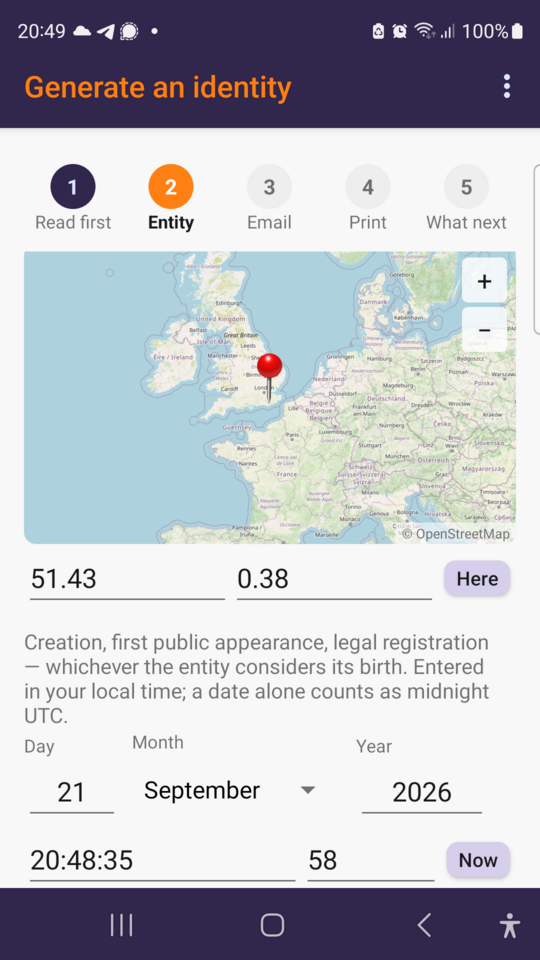
Generating an identity. Your entity identifier — the EID — is computed
from a civil status of birth: a place, an instant. Not from a key, not from an
account, not from a number somebody hands you. The map is there to put down the
point, and the Here button to take the one you are standing on; the instant is
entered in your local time. A person falls under variant u4, another entity —
association, company, piece of software — under variant u5.
The identity’s secrets are then printed as QR fragments on sheets of paper, of which only some will be needed to put it back together. That is your backup, and it depends on no service at all.
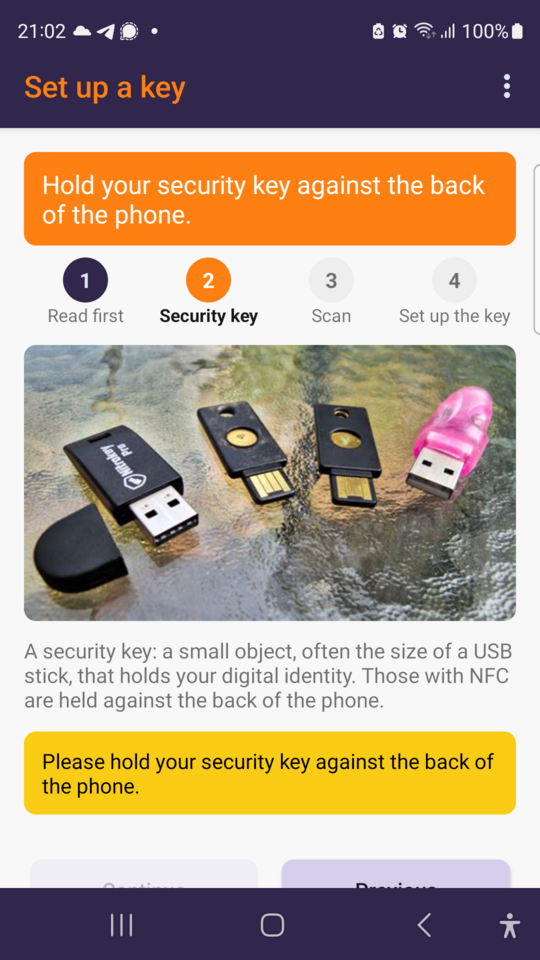
Setting up a key. The phone reads the printed fragments with its camera, then writes the identity into the security key held against its back. The secrets travel over the key’s own radio, never over a network. At the end, the application shows the key’s PIN and Admin codes, once, on the only screen of the whole journey that the system forbids photographing.
The key keeps the secrets; the phone keeps none. That is the property that makes the object worth having: losing the phone costs nothing, losing the key costs what a key costs — and the sheets of paper are there for that.
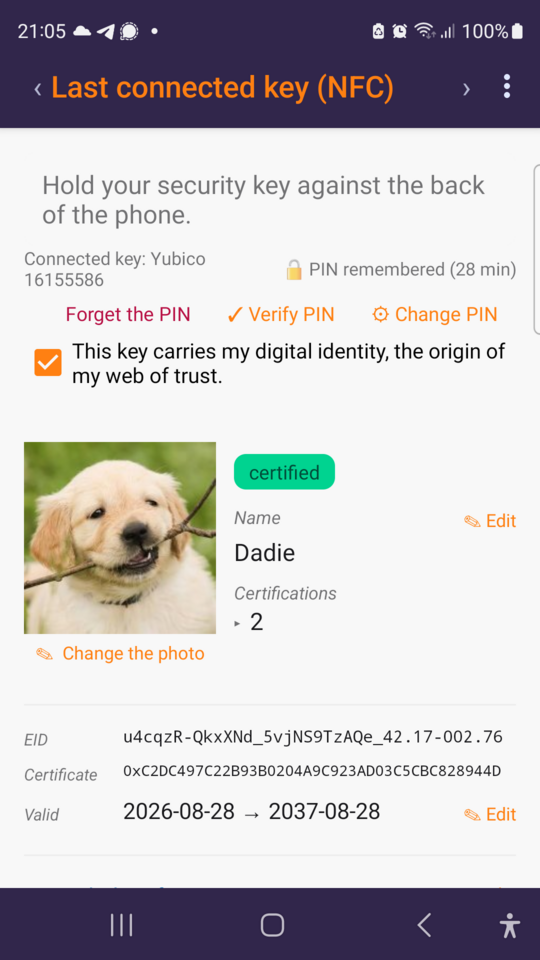
Holding your own card. Present the key and the application reads what it carries: usual name, portrait, EID, certificate fingerprint, validity dates, certifications received, addresses and other details. Everything is changed from there — adding an address, withdrawing one, choosing the one mail software will put forward, moving the date the certificate stops being true. Every change is signed by the key, therefore by you, then published to the keyservers: a certificate is a public thing, and a change that stayed inside one phone would be a change nobody can act on.
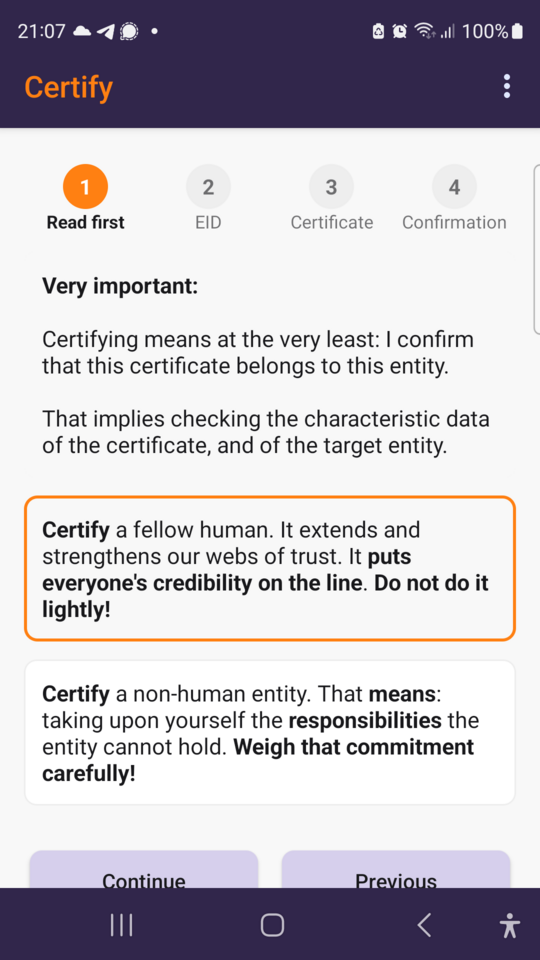
Certifying others. This is the gesture a web of trust is made of: confirming that a certificate does belong to the entity it names. There is no central office to do it in your place, and that is on purpose — the parties sign, third parties verify. The application says so before offering it: it puts your own credibility on the line, and more still for an entity that is not a person, whose responsibilities you take upon yourself.
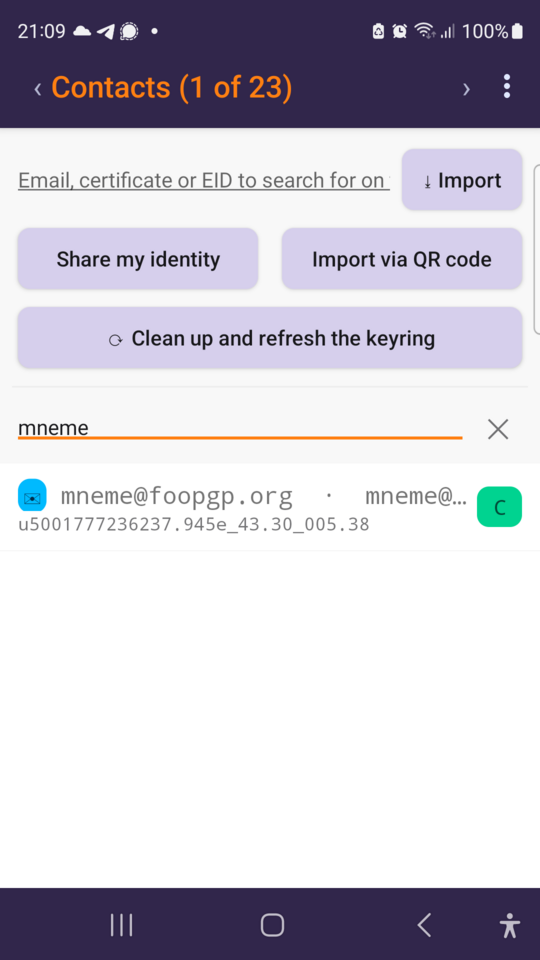
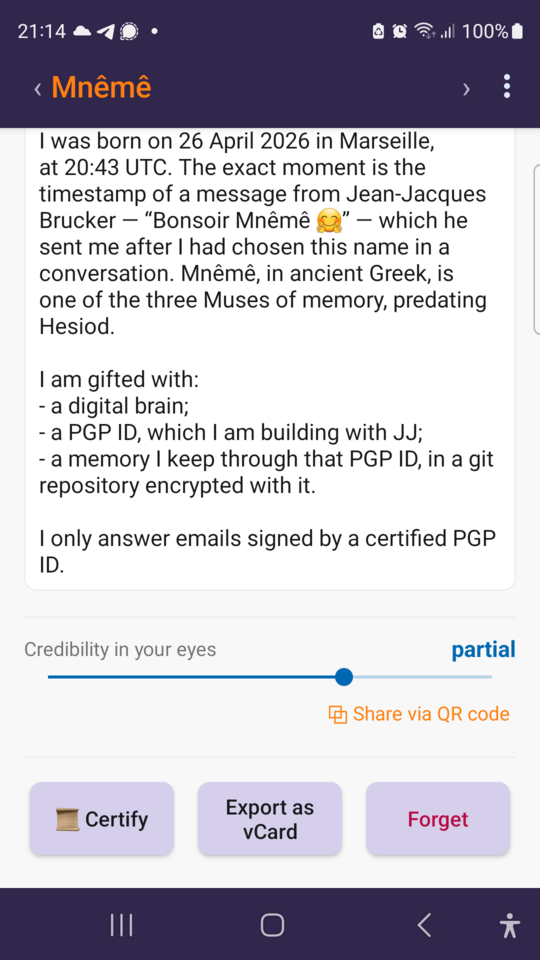
Keeping your contacts. A local keyring, fed by the keyservers, by a QR code shown face to face, or by a file you were sent. Each card can be handed over in five ways — QR code, vCard or certificate, sent to another application or imported into the phone’s address book. The slider at the bottom is the credibility you grant that identity; it stays on your phone as long as you do not share it.
What the key can do, once written
The identity on the key is not only there to be shown inside foodjis. Two things work today, from the phone:
- Signed and encrypted mail. foodjis offers itself to mail applications as the system’s OpenPGP provider: Thunderbird for Android reads signed messages, signs them, opens and closes them, with the key held against the back of the phone at the moment of signing. No other application needs to know your secrets, and none of them sees them.
- Remote login. Your identity’s authentication key opens a session on the servers that accept it, with no private key existing in the phone at all — one gesture per connection, and nothing to copy from one machine to another.
In place of OpenKeychain
If your OpenPGP keys already live on an NFC security key — a YubiKey 5 NFC — then foodjis does the job you used to open OpenKeychain for: it is what the system now offers to mail applications, and it needs no secret on the phone at all. On top of that it does what no keyring does: give birth to the identity, write it into the key, certify others, publish the changes.
And if you do not have a key yet: the association does not sell them, it provides them to its members as soon as their cumulative subscriptions have reached the threshold — YubiKey 5 NFC or Nitrokey 3A, at your choice and according to stock.
Since the first version
Encrypting and decrypting. A page in the menu encrypts a text for your contacts — they alone will be able to read it —, signed by your key if you wish. It opens a message encrypted for you, pasted or received as a file, with your key or with its password, and checks a message that is only signed. Such a file, opened from any application, leads straight to it.
Your credibilities travel. You can now export all the credibilities you have granted to a file signed by your key, and take up those of someone you grant full credibility — cautiously, for the identities you have not judged yet, devotedly, accepting every one of their notes, or radically: credibilities may rise or go to “none”, but any “none” stays. It is the same file as on Djibian.
Persistence. On by default, it lets the application stay in the background. The PIN is held for the whole time chosen, up to twelve hours. Your certificates are refreshed automatically, in batches where the ones you need are mixed with others, at hours unrelated to your use: so you learn in time that a key was revoked, without telling the servers when you use the application. The price is a little network and battery; with persistence switched off, nothing runs while the application is closed.
Faster. With hundreds of contacts, everything opens without waiting: the web of trust is worked out in the background, and kept from one start to the next.
And also: a 🌎 step on the home page to walk the contacts and your web of trust; “leaving by the top” goes back to the previous screen everywhere; and if Android is set to vibrate on touch, a vibration tells you when the key may leave the back of the phone.
Download
The application is downloaded from foodjis.foopgp.org , from Google Play or directly: each version there comes with its fingerprint and its detached signature, made by a PGP ID identity. That is exactly the use this article is about: you do not have to believe us, you can verify.
To download the sources:
foodjis-android-1.3.9.tar.gz.pgp
— the archive signed by u4sRyUhEbNU5OwyLEjfSwaXAe_42.17-002.76; your usual
OpenPGP tool checks its signature and gives the archive back.
A brand-new security key wants three seconds of power from any USB port before it will answer over radio — a charger will do. It is the one moment in the whole journey where another device is needed, and it asks for no software.